

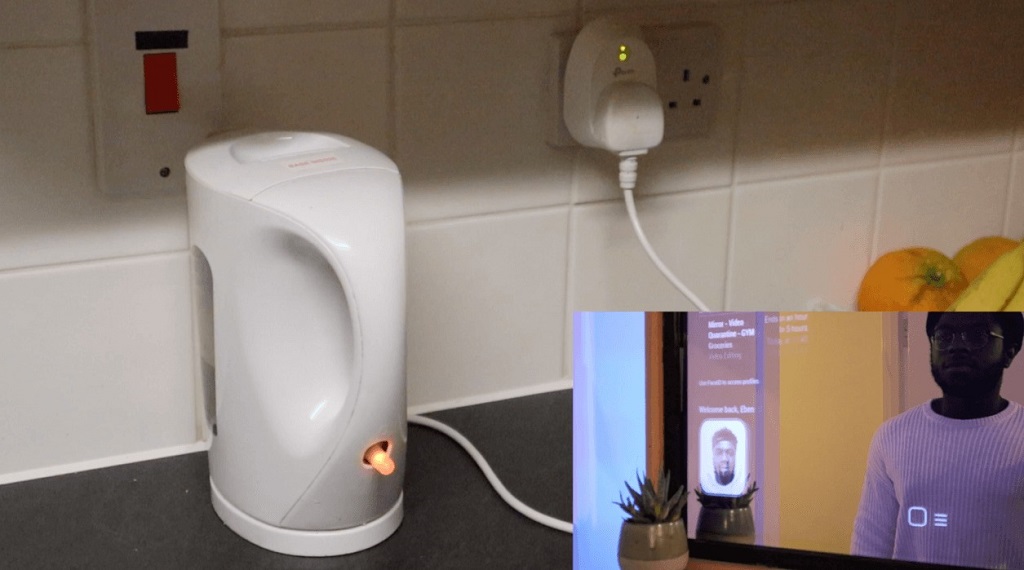
A smart mirror is a creative DIY project that combines a reflective surface with digital information displayed behind it. At first glance, it looks like an ordinary mirror. However, once powered on, it shows useful data such as time, weather, calendar updates, and even personalized news feeds. By using a Raspberry Pi computer, hobbyists can create these devices at home without spending a fortune on commercial smart mirrors.
The concept revolves around a two-way mirror, which reflects light like a standard mirror while allowing light from a screen to pass through. When paired with a monitor and Raspberry Pi, this creates the illusion of text and widgets floating on the mirror’s surface. The result is both functional and stylish, making it a popular project among tech enthusiasts and DIY makers.
How Does a Two-Way Mirror Raspberry Pi Project Work?
The core idea is simple: a two-way mirror placed in front of a display shows only selected information while maintaining a clean reflective surface. A Raspberry Pi runs the software that powers the mirror’s interface. The setup is affordable, modular, and highly customizable. Many builders rely on open-source frameworks such as MagicMirror for the user interface.
If you are planning to try this out, one of the best guides is on two way mirror raspberry pi, where step-by-step instructions make the process easier even for beginners. The flexibility of Raspberry Pi allows you to expand beyond basic displays—adding voice control, smart home integration, and health tracking.
What Do You Need to Build Your Own Smart Mirror?
Before starting, you will need some hardware and software essentials. While exact choices may vary depending on your preferences, here’s a standard list:
- Raspberry Pi (Model 3 or 4 recommended for smoother performance)
- MicroSD card with Raspberry Pi OS installed
- Monitor or old computer screen
- Two-way mirror (acrylic or glass, depending on budget and durability needs)
- Frame or enclosure to hold the mirror and monitor together
- Power supply for the Raspberry Pi and monitor
- Keyboard and mouse for initial setup
On the software side, most people use MagicMirror², which is open-source and well-documented. Additionally, you can customize modules like weather forecasts, calendar sync, reminders, and more.
How to Assemble a Two-Way Mirror Raspberry Pi Smart Mirror?
The assembly process follows a logical sequence. Here’s a step-by-step overview:
- Step 1: Prepare the Raspberry Pi by flashing Raspberry Pi OS onto the microSD card.
- Step 2: Install MagicMirror² on the Pi using Node.js.
- Step 3: Connect the Pi to the monitor and configure screen orientation.
- Step 4: Place the monitor behind the two-way mirror inside the frame.
- Step 5: Secure all components inside the enclosure, making sure ventilation is adequate.
- Step 6: Boot up and customize the interface with preferred modules.
This approach ensures a clean finish while keeping maintenance simple. Depending on your skills, you can build a basic wooden frame or even repurpose an old picture frame.
What Features Can You Add to a Smart Mirror?
One of the main appeals of this project is its flexibility. Some popular add-ons include:
- Voice assistant integration with Google Assistant or Alexa
- Facial recognition for personalized dashboards
- Home automation controls for lights, locks, and appliances
- Health and fitness data tracking
- Streaming music or video via extensions
Additionally, since the software is modular, you can tailor your mirror to your lifestyle. For example, professionals may display upcoming meetings, while fitness enthusiasts may prefer workout reminders and health statistics.
Why Choose a Raspberry Pi Over Other Hardware?

Raspberry Pi is small, affordable, and versatile. It consumes little power and supports open-source projects. Unlike bulky computers, it fits neatly behind the monitor and mirror. Moreover, its large online community provides troubleshooting support and constant updates. For those new to coding or hardware projects, this makes the Raspberry Pi an ideal choice.
Are There Challenges in Building a Smart Mirror?
Yes, there are a few hurdles to keep in mind:
- Hardware costs: Two-way mirrors and displays can be expensive depending on size.
- Technical setup: Installing and configuring MagicMirror² requires some Linux knowledge.
- Design issues: Getting the mirror and display to align perfectly inside a frame can take trial and error.
- Performance: Raspberry Pi 3 models may lag when running multiple modules.
Despite these challenges, community forums and resources like Index Marks make it easier to troubleshoot and improve your setup over time.
Conclusion: Is Building a Smart Mirror Worth It?
Building a two-way mirror smart mirror with a Raspberry Pi is a rewarding experience for anyone interested in DIY technology. It combines coding, design, and hardware assembly into one project. While it takes effort, the end result is both practical and stylish—a mirror that not only reflects your appearance but also delivers real-time data. If you enjoy learning by doing, this project is well worth the investment.
With clear guides, affordable components, and room for endless customization, creating your own smart mirror can be the perfect entry point into Raspberry Pi projects. It’s an engaging way to combine technology and creativity in your living space.
Read More Also: AI and VR Are Merging to Create Smarter Healthcare Solutions
FAQ Section
What size mirror works best for a Raspberry Pi smart mirror?
Most builders recommend starting with a 24-inch two-way mirror paired with a similar-sized monitor. Smaller frames can also work depending on available space.
Can I use an old tablet instead of a Raspberry Pi?
Yes, but a Raspberry Pi is more flexible. Tablets are limited in customization, while Raspberry Pi supports multiple modules and add-ons.
Do I need coding skills to make a smart mirror?
Basic knowledge of Linux commands helps, but many guides offer copy-paste code snippets. Even beginners can get the mirror running with minimal programming.
Which operating system should I install on the Raspberry Pi?
Raspberry Pi OS (formerly Raspbian) is the most commonly used. It’s lightweight, reliable, and works seamlessly with MagicMirror².
How much does it cost to build a smart mirror?
On average, the cost ranges from $100 to $300 depending on the size of the mirror and monitor. Using old hardware can significantly reduce expenses.
Is it possible to add gesture control to the smart mirror?
Yes, with additional sensors and software libraries, you can integrate gesture-based navigation. However, this requires more advanced setup.
What are the maintenance needs of a smart mirror?
Mostly software updates and occasional hardware checks. Dusting the mirror and ensuring proper ventilation for the Raspberry Pi is usually enough.