

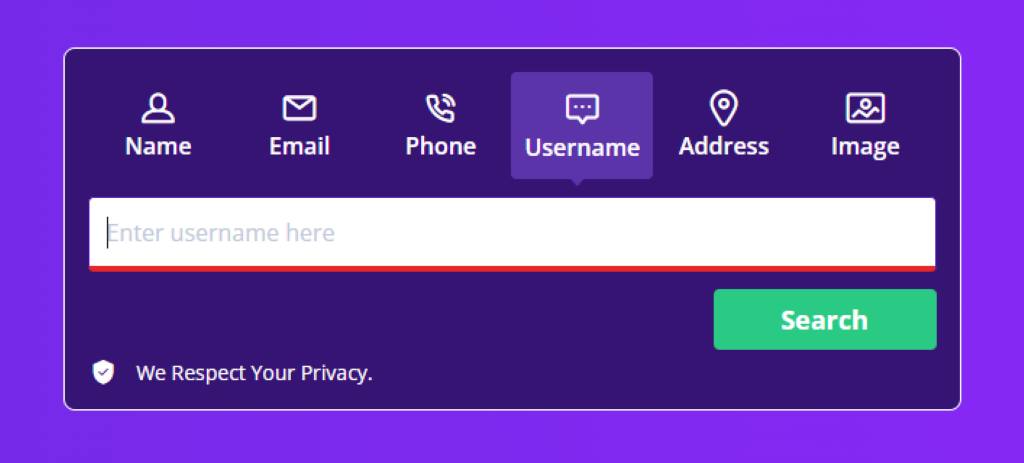
Snapchat name lookup is a fascinating way to connect with friends, discover new profiles, and explore the vibrant world of social media. Whether you’re trying to find a mutual friend’s Snapchat username or curious about public profiles, this process can feel like a treasure hunt. With terms like reverse username search, profile bios, and privacy settings swirling around, it’s easy to get lost. This guide tells the story of navigating Snapchat’s ecosystem, offering tips to educate, demonstrate, and fascinate you. Let’s dive into the adventure of finding Snapchat usernames safely and effectively, while respecting privacy and security measures.
What Is Snapchat Name Lookup and Why It Matters
Snapchat name lookup is the process of finding someone’s Snapchat username or profile using various tools and methods. It’s like searching for a friend’s phone number in a digital phonebook. People use it to reconnect with mutual friends, explore public stories, or verify social media accounts. The rise of social media platforms has made this a popular way to expand your network. However, it’s not just about adding friends; it’s about understanding how Snapchat’s features, like Quick Add or profile links, work together to make connections seamless.
The process matters because Snapchat thrives on quick, personal interactions. Knowing someone’s username unlocks their snaps, stories, and even AR filters. Yet, privacy settings and security risks are real concerns. For instance, public databases or third-party tools can expose personal info if misused. Therefore, understanding safe practices is key. This guide will show you how to navigate these waters while keeping your data secure.
How to Perform a Snapchat Name Lookup Safely
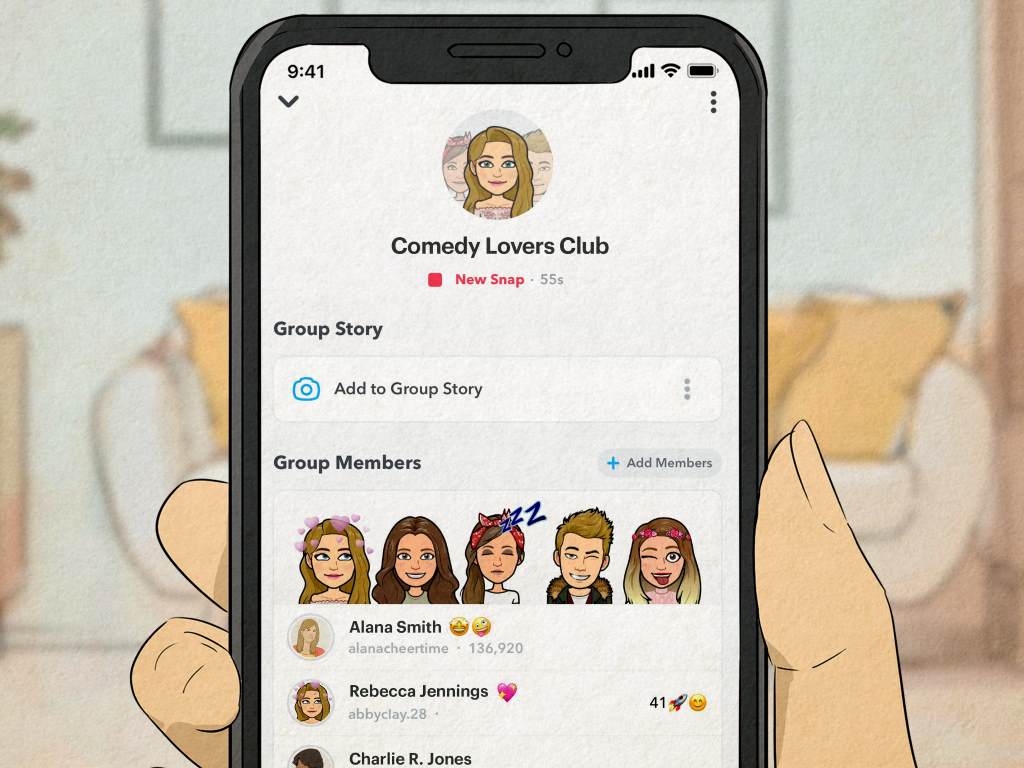
Finding a Snapchat username starts with built-in features like Quick Add or Shared Connections. Quick Add suggests users based on mutual friends or phone contacts, making it a safe starting point. Open Snapchat, tap the “Add Friends” icon, and check the suggestions. Alternatively, you can use the search bar to type a display name or phone number. However, always verify the profile to avoid fake accounts.
Third-party tools, like reverse Snapchat lookup tools or people search engines, can help but come with risks. These services often scrape public profiles or social media links, which may violate terms of service. For safer results, stick to Snapchat’s native features or trusted platforms like Google Search for basic queries. Always check privacy settings before sharing your profile link. Additionally, avoid sharing sensitive details like your phone number on public forums to prevent online attacks.
- Use Quick Add: Find suggestions based on mutual friends.
- Verify Profiles: Ensure the account matches the person’s identity.
- Avoid Untrusted Tools: Stick to Snapchat’s search or Google.
- Check Privacy Settings: Limit who can see your profile.
Exploring Snapchat’s Public Profiles and Features
Public profiles on Snapchat are a goldmine for discovering content creators and their user-generated content. These profiles often include profile bios, social media links, and public stories visible to everyone. To find them, use Snapchat’s search filter or Insights tab to explore trending accounts or ad campaigns. For example, searching “Public Profile views” can reveal popular creators with high engagement rates.
However, not all profiles are public. Many users set strict privacy settings to control who sees their snaps. This is where reverse image search or Google Image Search can help. If someone shares a snap publicly, you can use these tools to trace it back to their profile. Be cautious, though—using reverse image lookup or WHOIS lookup for private accounts can breach privacy laws. Always respect the user’s boundaries and terms of service.
The Role of Privacy and Security in Snapchat Lookups
Privacy settings are the backbone of safe Snapchat name lookups. Users can control who sees their stories, profile bios, or location via settings. For example, enabling “Ghost Mode” prevents location tracking, while limiting friend requests protects against unwanted adds. Understanding these security measures is crucial to avoid risks like data collection practices or exposure to public databases.
Security risks arise when using third-party tools or reverse phone number search services. These may promise quick results but often collect data without consent, violating privacy laws. To stay safe, rely on Snapchat’s native tools like Account Lookup or Shared Connections. Additionally, parental control features help younger users navigate safely. Always review the terms of service before using external tools to ensure legal purposes are met.
- Enable Ghost Mode: Hide your location from others.
- Limit Friend Requests: Control who can add you.
- Avoid Data Scrapers: Use Snapchat’s built-in tools.
- Review Terms: Ensure compliance with Snapchat’s rules.
Common Mistakes to Avoid During Snapchat Name Lookup
One common mistake is relying on unverified third-party tools. These often promise reverse username search or phone number trackers but may deliver malformed data or trigger security solutions like Cloudflare Ray ID errors. Instead, use trusted methods like Snapchat’s search or Google Images for safer results. Another error is ignoring privacy settings, which can expose your profile to unwanted attention.
Additionally, don’t assume every profile is genuine. Fake accounts often mimic real ones, using similar display names or profile bios. Always verify mutual friends or cross-platform discovery links before adding someone. Finally, avoid sharing your profile link on public forums—it’s like handing out your phone number to strangers. By steering clear of these pitfalls, you’ll ensure a safer, smoother lookup experience.
- Don’t Trust Unverified Tools: They may compromise security.
- Verify Accounts: Check mutual friends or bios.
- Protect Your Profile: Keep links private.
- Use Trusted Platforms: Stick to Snapchat or Google.
The Fascinating World of Snapchat’s Social Features
Snapchat’s social features, like AR filters and ad campaigns, make name lookups more than just a search—they’re an adventure. Imagine finding a content creator whose snaps feature stunning filters or engaging stories. The Insights tab shows you engagement numbers, helping you discover creators with a strong subscriber base. This makes Snapchat a unique platform for building your brand identity or connecting with influencers.
Cross-platform discovery is another gem. Many users link their Snapchat to other social media accounts, making it easier to find them via Google Search or social media profiles. For instance, a reverse image lookup on a public story can lead you to a creator’s profile. These features fascinate because they blend creativity with connectivity, turning a simple lookup into a journey of discovery.
Tools and Techniques for Advanced Snapchat Lookups
For advanced users, tools like reverse image search or Google Image Search can enhance Snapchat name lookups. These methods trace public stories or profile images back to their owners. However, they’re not foolproof—privacy settings can block such searches. Additionally, WHOIS lookup can reveal site owner details for Snapchat-related domains, but this is rarely needed for casual users.
People search engines, like Spokeo or BeenVerified, offer reverse Snapchat lookup tools but require caution. They may access public databases, raising concerns about data collection practices. For safer results, use Snapchat’s native Account Lookup or X-Ray Contact features. These keep you within the platform’s terms of service, ensuring legal and secure searches. Always prioritize user experience and safety over quick results.
- Use Reverse Image Search: Trace public snaps to profiles.
- Try Account Lookup: Snapchat’s built-in tool for accuracy.
- Avoid Risky Engines: Stick to trusted platforms.
- Respect Privacy: Don’t bypass user settings.
Why Snapchat Name Lookup Enhances Your Social Experience
Snapchat name lookup isn’t just about finding usernames—it’s about building connections. Whether it’s adding friends via Quick Add or discovering public profiles through search filters, this process enriches your social media experience. It lets you engage with content creators, explore user-generated content, and even boost your own engagement rate by connecting with like-minded users.
Moreover, it’s a gateway to understanding Snapchat’s ecosystem. From special characters in display names to parental control options for younger users, every feature ties into how you connect. By mastering safe lookup techniques, you’ll navigate Snapchat confidently, avoiding security risks and respecting privacy laws. This journey transforms a simple search into a vibrant, connected experience.
Conclusion
Snapchat name lookup opens doors to new connections, from mutual friends to public profiles. By using tools like Quick Add, reverse image search, or people search engines, you can explore Snapchat’s world safely. However, always prioritize privacy settings and avoid risky third-party tools to protect your data. This guide has shown you how to navigate lookups with ease, ensuring a secure and fun experience. Ready to dive in? Try these tips, stay safe, and share your thoughts in the comments below or spread this guide to help others connect on Snapchat!
Found this guide helpful? Share it with friends or leave a comment with your Snapchat lookup tips!
FAQs
How Can I Find Someone’s Snapchat Username Safely?
Use Snapchat’s Quick Add or search bar with their display name or phone number. Avoid untrusted third-party tools to protect your privacy.
Are Reverse Snapchat Lookup Tools Reliable?
Some tools work but may violate terms of service or collect data. Stick to Snapchat’s native features for safer results.
What Are the Risks of Snapchat Name Lookup?
Using unverified tools can expose personal info or lead to fake accounts. Always check privacy settings and verify profiles.
Can I Use Google Search for Snapchat Lookups?
Yes, Google Search or Google Image Search can find public profiles or stories, but respect privacy settings and terms.
How Do Privacy Settings Affect Snapchat Lookups?
Privacy settings limit who can see your profile or stories, making lookups harder. Adjust settings to control visibility.




