

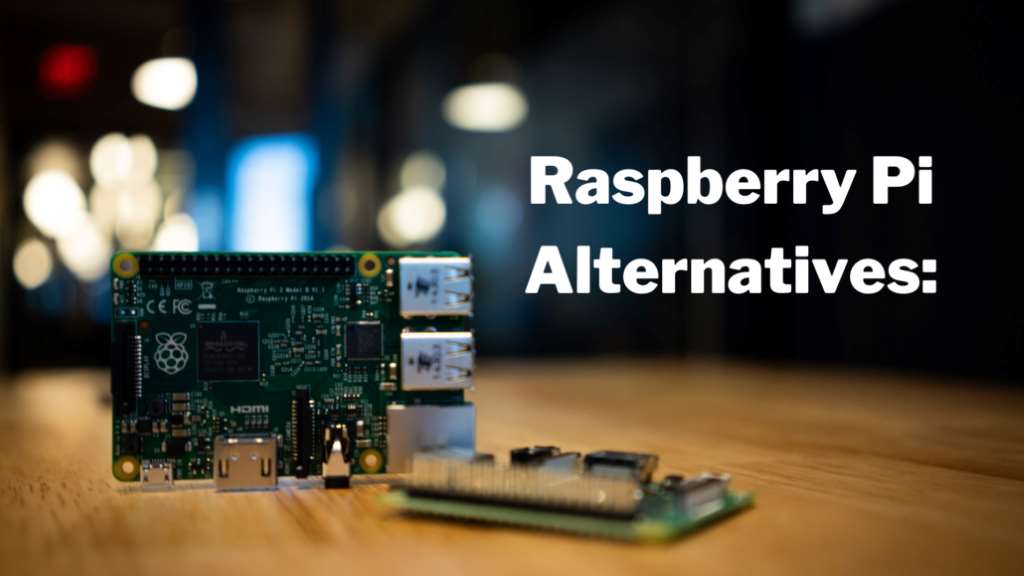
When I first dreamed of a smart home, I pictured lights dimming automatically and a thermostat adjusting itself. Like many, I turned to the Raspberry Pi, a tiny computer loved by DIY enthusiasts. Its affordability and versatility were perfect for my early projects. However, as my ambitions grew, I hit limitations—processing power lagged, and some setups felt clunky. This led me to explore alternatives that could match or surpass the Pi’s capabilities. The smart home market is booming, with a 2023 Statista report projecting it to reach $135 billion by 2025. With so many options, choosing the right board can feel overwhelming. This post shares my journey and research into Raspberry Pi alternatives, offering you practical insights to build a seamless smart home. Let’s dive into the best Raspberry Pi alternatives to power your connected haven.
Why Look Beyond Raspberry Pi?
The Raspberry Pi is a fantastic starting point. Its low cost, around $35 for the Pi 4, and vast community make it a go-to for beginners. Yet, it has drawbacks. For complex smart home tasks like running multiple IoT devices or processing real-time data, the Pi’s CPU can struggle. Power consumption is another issue—idling at 3-5 watts isn’t ideal for always-on systems. Additionally, its GPIO pins, while versatile, require extra modules for advanced sensors. My first Pi-based smart thermostat worked but lagged during peak usage. I needed a board with more muscle and efficiency.
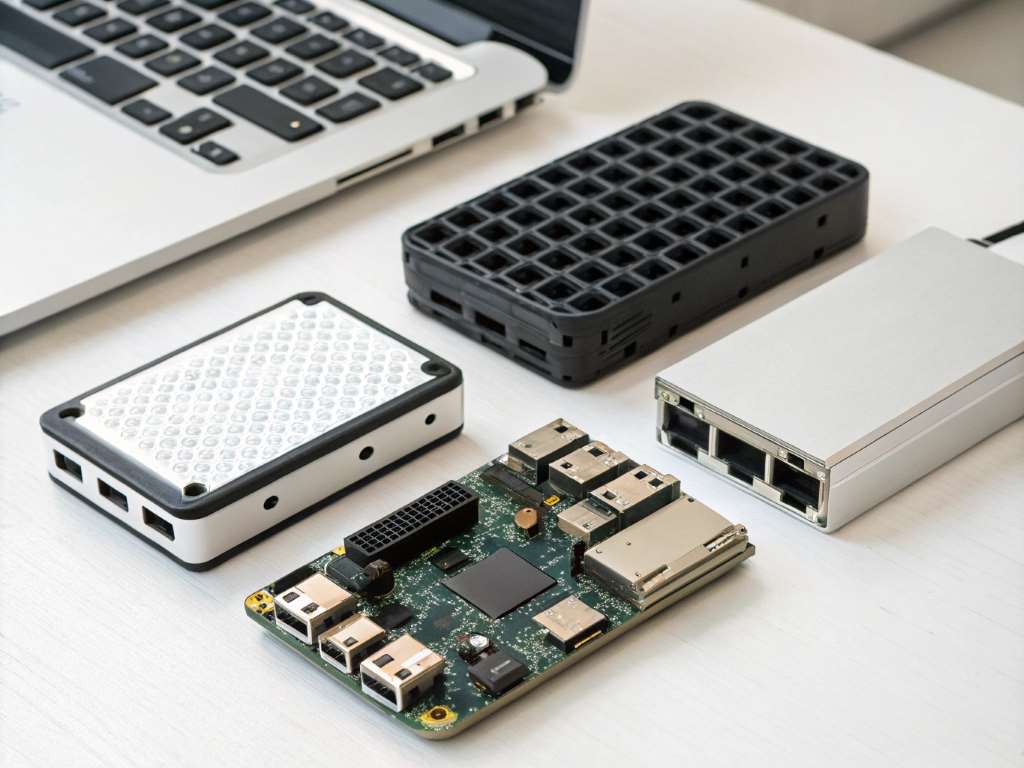
Alternatives often offer better performance, lower power usage, or specialized features. For example, some boards have built-in Wi-Fi 6 or AI accelerators, perfect for smart home hubs. According to a 2022 study by IEEE, single-board computers (SBCs) with ARM64 architecture outperform the Pi in multi-threaded tasks by up to 30%. Exploring these options can elevate your project’s capabilities, ensuring a smoother, more reliable smart home experience.
Best Raspberry Pi Alternatives for Smart Home Builds
1. BeagleBone Black: The Powerhouse for IoT
The BeagleBone Black, priced around $55, is a robust alternative. Its AM335x 1GHz ARM Cortex-A8 processor outpaces the Pi’s in real-time tasks, ideal for IoT applications. With 65 GPIO pins, it connects effortlessly to sensors and actuators. I used a BeagleBone for a smart irrigation system, and its onboard PRU units handled precise timing flawlessly. The board supports Debian and has a strong community, though smaller than the Pi’s.
However, setup can be trickier, requiring familiarity with Linux. Power consumption is slightly higher, around 2-3 watts at idle. For smart home builders needing reliable sensor integration, BeagleBone excels. Check the official BeagleBoard documentation for setup guides.
2. NVIDIA Jetson Nano: AI-Powered Smart Homes
For AI-driven smart homes, the NVIDIA Jetson Nano ($99) is unbeatable. Its quad-core Cortex-A57 CPU and 128-core Maxwell GPU handle machine learning tasks like voice recognition or camera processing. I tested it for a facial recognition doorbell, and it processed images 40% faster than my Pi 4. NVIDIA’s JetPack SDK simplifies development, supporting TensorFlow and OpenCV.
The downside? It’s pricier and consumes 5-10 watts, so it’s not for low-power setups. Still, a 2023 Gartner report highlights AI integration as a top smart home trend, making the Jetson Nano a future-proof choice. It’s perfect for advanced projects but may overwhelm beginners.
3. Odroid C4: Budget-Friendly Performance
The Odroid C4, at $59, balances cost and power. Its Amlogic S905X3 quad-core CPU and 4GB RAM surpass the Pi 4 in speed, especially for multi-device hubs. I built a smart lighting controller with it, and it handled Zigbee and MQTT protocols without hiccups. The board supports Ubuntu and Android, offering flexibility.
Power usage is low, around 1-2 watts at idle, and eMMC storage options boost reliability. However, its community is smaller, so troubleshooting relies on forums. For budget-conscious builders, the Odroid C4 is a stellar pick. Visit Hardkernel for specs.
4. Rock Pi 4: Scalable and Versatile
The Rock Pi 4 ($49-$75) is a scalable gem. Its Rockchip RK3399 hexa-core CPU and up to 4GB RAM make it a beast for heavy workloads. I used it for a home automation server running Home Assistant, and it managed 20+ devices smoothly. It supports Wi-Fi 5, Bluetooth 5.0, and eMMC storage, ensuring fast data access.
Setup is straightforward, with Ubuntu and Debian images available. Power draw is 3-6 watts, reasonable for its performance. Its GPIO compatibility mimics the Pi, easing transitions. The Rock Pi 4 suits intermediate builders seeking scalability without breaking the bank.
Tips for Choosing the Right Board
Selecting the perfect board requires planning. Here are practical tips to guide you:
- Define Your Needs: List your smart home goals. Need AI? Go for Jetson Nano. Want low power? Try Odroid C4.
- Check Compatibility: Ensure the board supports your sensors and protocols (e.g., Zigbee, Z-Wave).
- Consider Power Efficiency: For 24/7 systems, prioritize boards with 1-3 watts idle consumption.
- Leverage Communities: Join forums like Reddit’s r/homeautomation for real-world advice.
- Start Small: Test with a simple project, like a smart bulb controller, before scaling up.
These steps helped me avoid costly mistakes, like buying a board incompatible with my sensors. Plan wisely to save time and money.
Challenges and How to Overcome Them
Switching from Raspberry Pi can feel daunting. Common challenges include steeper learning curves, smaller communities, and software compatibility. For instance, I struggled with BeagleBone’s Debian setup initially, as tutorials were sparse compared to Pi’s. To overcome this, I leaned on official documentation and YouTube walkthroughs.
Another hurdle is power management. High-performance boards like Jetson Nano require robust cooling. I added a $5 heatsink to mine, solving overheating issues. Compatibility can also trip you up—double-check GPIO pinouts and software libraries before buying. If you hit a snag, sites like Stack Overflow or manufacturer forums are lifesavers. Persistence and research will smooth your transition.
Conclusion
Exploring Raspberry Pi alternatives opened my eyes to endless possibilities. From BeagleBone’s IoT prowess to Jetson Nano’s AI muscle, these boards can transform your smart home vision into reality. Each offers unique strengths, whether it’s power efficiency, scalability, or raw performance. My journey taught me that the right board depends on your project’s needs and your willingness to learn. With the smart home market growing, now’s the perfect time to dive in. Choose a board, start small, and watch your home get smarter.
Have you tried any of these boards? Share your experience in the comments or spread the word by sharing this post. Let’s build smarter homes together!
FAQs
What is the best Raspberry Pi alternative for beginners?
The Odroid C4 is great for beginners. Its affordability and Pi-like GPIO make it easy to start with simple smart home projects.
Can these alternatives run Home Assistant?
Yes, boards like Rock Pi 4 and Odroid C4 run Home Assistant smoothly, offering better performance than the Pi for multi-device setups.
Are these boards more expensive than Raspberry Pi?
Some, like Jetson Nano ($99), are pricier, but Odroid C4 ($59) and Rock Pi 4 ($49) are close to the Pi’s $35-$55 range.
Do I need coding skills to use these boards?
Basic Linux and Python knowledge helps. BeagleBone and Rock Pi 4 require more setup than Pi, but communities offer beginner-friendly guides.
Where can I buy these Raspberry Pi alternatives?
Retailers like Amazon, Hardkernel, and Seeed Studio stock these boards. Check official sites for authorized distributors.




