

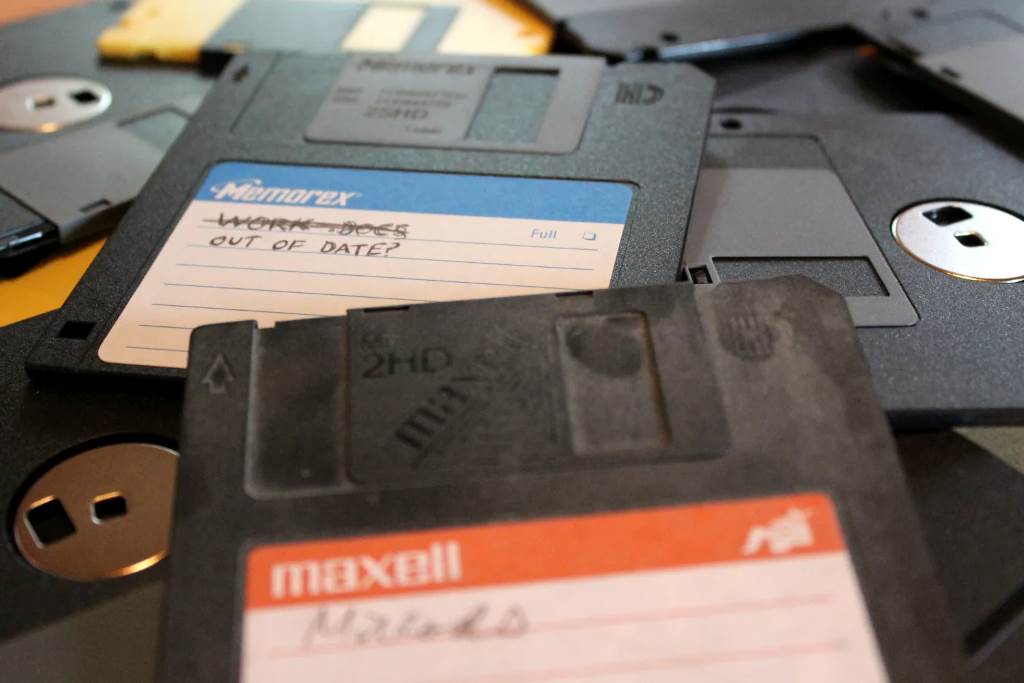
The assignment of A and B as floppy drive letters in Windows is a fascinating piece of computing history that traces back to the early days of personal computers. This convention, still visible in modern systems, is rooted in the technological limitations and design choices of the 1970s and 1980s. Understanding why these letters were chosen provides insight into the evolution of operating systems and disk management. For those curious about managing drive letters today, resources like Hangout Graphics offer practical guides on modern disk management techniques. This article explores the historical reasons behind the A and B drive letter assignments, their persistence in Windows, and how users can manage drive letters in contemporary systems.
The Origins of Floppy Drives and Drive Letters
In the late 1970s, personal computers like the IBM PC relied heavily on floppy disks for storage. These disks were the primary medium for booting operating systems and storing data before hard drives became common. The original IBM PC, released in 1981, used 5.25-inch floppy disks, and systems typically included one or two floppy drives. These drives were assigned the letters A and B by the operating system, specifically IBM’s PC-DOS (and later Microsoft’s MS-DOS).
But why A and B? The answer lies in the simplicity of early computer design. Floppy drives were the first storage devices accessed during the boot process, so they were given the earliest letters in the alphabet. If a system had only one floppy drive, it was A; a second drive, if present, was B. For those interested in modern drive letter management, you can learn how to volume edit letter in cmd to customize drive assignments on Windows.
The choice of A and B was not arbitrary but a deliberate design decision. Early operating systems like CP/M, which influenced MS-DOS, used a similar convention. CP/M assigned drive letters sequentially, starting with A, to prioritize the most critical storage devices. Since floppy drives were the primary (and often only) storage medium, they naturally received the first letters. When IBM developed PC-DOS, it adopted this convention to maintain compatibility with existing software and user expectations. As a result, A and B became synonymous with floppy drives in the PC ecosystem.
The Role of MS-DOS in Cementing the Convention
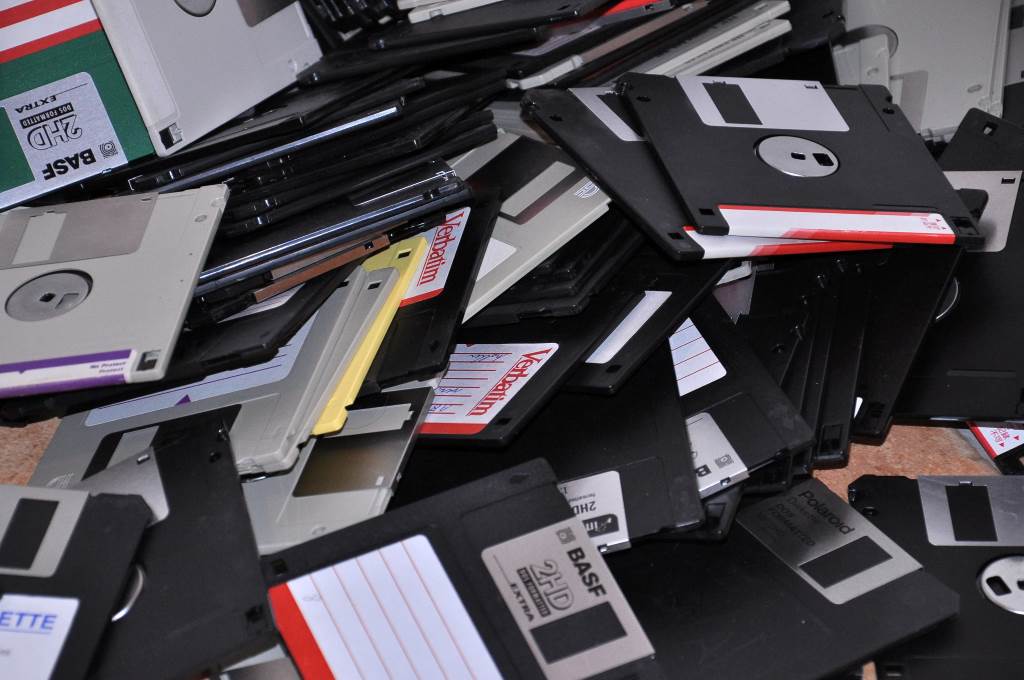
When Microsoft released MS-DOS in 1981, it built upon the foundation laid by CP/M and PC-DOS. MS-DOS solidified the use of A and B for floppy drives, as most PCs at the time still relied on floppies for booting and data storage. Hard drives were rare and expensive, so they were typically assigned the letter C when present. This structure ensured that the operating system could easily locate the bootable floppy drive (A) and, if needed, a secondary floppy drive (B) for data transfer or backup. For example, users often used the A drive to boot the system and the B drive to copy files or run additional programs.
Moreover, the assignment of A and B was practical for the era’s hardware limitations. Floppy drives were physically distinct, with separate controllers, making it logical to assign them fixed letters. This setup allowed users to swap disks easily without confusing the system. However, as hard drives became more common in the mid-1980s, the letter C was reserved for the primary hard drive, preserving A and B for floppies. This convention carried over into Windows, which was initially a graphical interface built on top of MS-DOS.
Why A and B Persist in Modern Windows
As technology evolved, floppy drives became obsolete, replaced by hard drives, SSDs, USB drives, and cloud storage. Yet, Windows continues to reserve A and B for floppy drives by default. This persistence is largely due to backward compatibility. Early Windows versions, such as Windows 3.1 and Windows 95, were designed to work seamlessly with MS-DOS-based software. Changing the drive letter assignments could have broken legacy applications that expected A and B to represent floppy drives. Therefore, Microsoft chose to maintain the convention to avoid compatibility issues.
Additionally, the reservation of A and B serves a practical purpose in modern systems. While physical floppy drives are rare, some systems still use virtual floppy drives for tasks like booting legacy software or accessing disk images. For instance, virtualization software like VMware or VirtualBox often assigns A or B to virtual floppy drives. By keeping these letters reserved, Windows ensures that no other storage device inadvertently claims them, preventing potential conflicts.
Changing Drive Letters in Windows Today
Although A and B are reserved, Windows allows users to reassign drive letters for other storage devices using tools like Disk Management or the command line. For example, if you want to assign a USB drive to a different letter, you can use the Disk Management utility or the command line. The process to volume edit letter in cmd is straightforward and can be done using the diskpart utility, as outlined in various online tutorials. This flexibility is useful for organizing drives or resolving conflicts when multiple storage devices are connected.
However, reassigning A or B is generally discouraged unless you’re certain no floppy drive (physical or virtual) is in use. Windows reserves these letters to maintain compatibility with legacy systems, and assigning them to other devices could cause errors in specific scenarios, such as running old software or accessing virtual machines. For more details on managing drive letters, authoritative sources like Microsoft’s official documentation (support.microsoft.com) provide step-by-step guidance.
The Evolution of Storage and Drive Letters
As storage technology advanced, the need for floppy drives diminished. By the late 1990s, CD-ROMs, hard drives, and later USB drives became the standard for data storage. Despite this shift, the drive letter system remained a core feature of Windows. The flexibility of the drive letter system allowed Windows to adapt to new storage types, such as network drives and removable media, without disrupting the established structure. For instance, modern Windows systems assign letters like D, E, or F to USB drives, optical drives, or external hard drives, continuing the alphabetical progression started by C.
Interestingly, other operating systems took different approaches. Linux, for example, uses a file-based system (e.g., /dev/sda) instead of drive letters, reflecting a different design philosophy. However, Windows’ drive letter system, rooted in its MS-DOS heritage, remains a distinctive feature. This historical choice continues to influence how users interact with storage devices, even if the original floppy drives are no longer in use.
Explore Now:
Samsung Black Screen of Death Data Recovery
Unbiased Review Format for Budget Smartwatches
Practical Implications for Modern Users
For most users, the reservation of A and B is a minor curiosity, but it can have practical implications. For example, system administrators or IT professionals working with legacy systems may encounter scenarios where A or B is referenced. Understanding the historical context helps explain why certain software expects these letters. Additionally, when configuring new hardware or virtual environments, knowing that A and B are reserved can prevent accidental misconfigurations.
To manage drive letters effectively, users can rely on built-in Windows tools or third-party utilities. The Disk Management tool provides a graphical interface for reassigning letters, while the command line offers more control for advanced users. Resources like TechNet offer detailed guides on disk management for professionals. By understanding the historical and technical reasons behind drive letter assignments, users can make informed decisions when organizing their storage devices.
FAQs
Why are A and B reserved for floppy drives in Windows?
A and B were assigned to floppy drives in early PCs because they were the primary storage devices. Windows retains this convention for backward compatibility with legacy software and virtual floppy drives.
Can I assign the A or B drive letter to a USB drive?
Yes, you can reassign A or B to a USB drive using Disk Management or the command line, but it’s not recommended due to potential conflicts with legacy systems or virtual floppy drives.
How do I change a drive letter in Windows?
You can change a drive letter using the Disk Management tool or by using the diskpart command in the command line to volume edit letter in cmd, as explained in various tutorials.
Why does Windows use drive letters instead of another system?
Windows inherited the drive letter system from MS-DOS, which was influenced by CP/M. This system was designed for simplicity and compatibility with early PC hardware, unlike Linux’s file-based approach.
Are floppy drives still used today?
Floppy drives are largely obsolete but are sometimes used in virtual environments or for running legacy software. Virtual floppy drives in software like VirtualBox may still use A or B.
Conclusion
The assignment of A and B as floppy drive letters in Windows is a legacy of early computing, rooted in the design of the IBM PC and MS-DOS. While floppy drives are no longer common, the convention persists to ensure compatibility with legacy software and virtual environments. Understanding this history not only sheds light on the evolution of personal computing but also helps users navigate modern disk management tasks. Whether you’re reassigning drive letters or exploring virtualization, the story of A and B is a reminder of how past technologies continue to shape the present.




