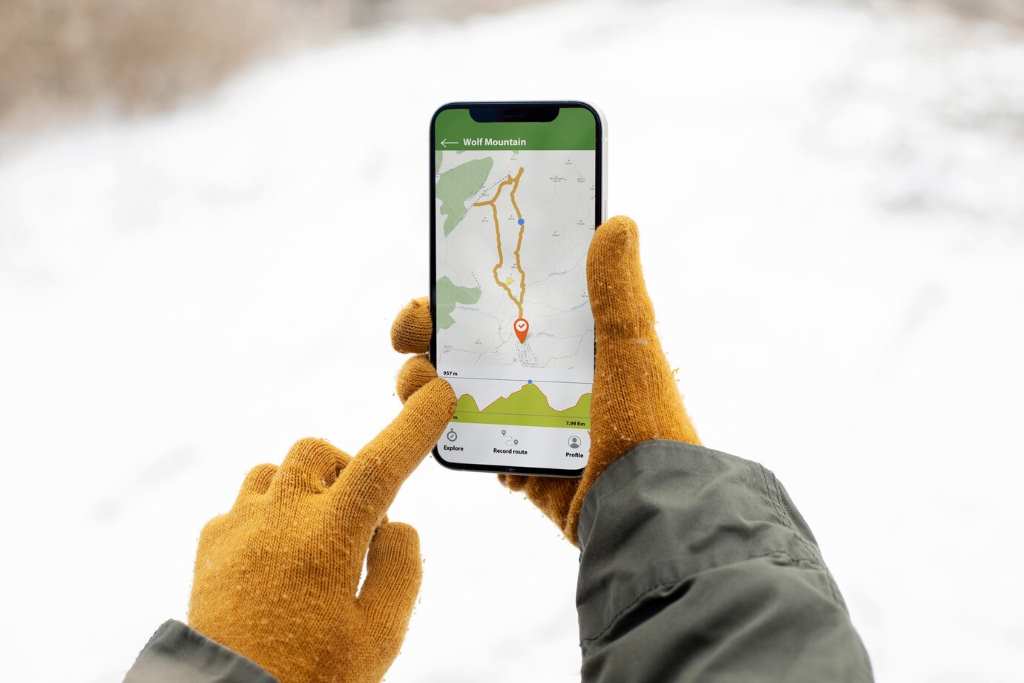
Traveling to remote areas or facing spotty internet? Offline map app without data usage are lifesavers. These apps let you explore confidently without draining your data plan or battery. Imagine hiking in a national park or driving through a foreign city—no signal, no problem. Offline maps store data locally, ensuring you stay on track. According to a 2023 Statista report, 68% of travelers use navigation apps, but many avoid data-heavy options due to costs. This guide explores the best offline map apps, their features, and how to use them effectively. I once got lost in a rural Italian village with no signal—downloading an offline map saved the day. Let’s dive into why these apps are essential and how they work.
Why Choose Offline Map Apps?
Offline map apps are perfect for travelers, hikers, or anyone in low-signal areas. They store maps on your device, eliminating the need for internet. This saves data, battery, and roaming fees. For example, a 2024 Pew Research study found 45% of Americans worry about data costs while traveling. Offline apps address this by offering pre-downloaded maps for cities, countries, or regions. They often include GPS navigation, points of interest, and route planning. Unlike online apps like Google Maps, offline versions don’t rely on constant data streams. My experience in the Italian countryside taught me their value—my phone stayed functional without a signal. These apps also work in airplane mode, making them ideal for flights or remote adventures. Choose offline maps for reliability and cost savings.
Benefits of Offline Navigation
- Cost Savings: No roaming or data charges.
- Battery Efficiency: Less data usage preserves battery life.
- Reliability: Works in remote areas with no signal.
- Comprehensive Features: Includes POIs, routes, and GPS.
Top Offline Map Apps for 2025
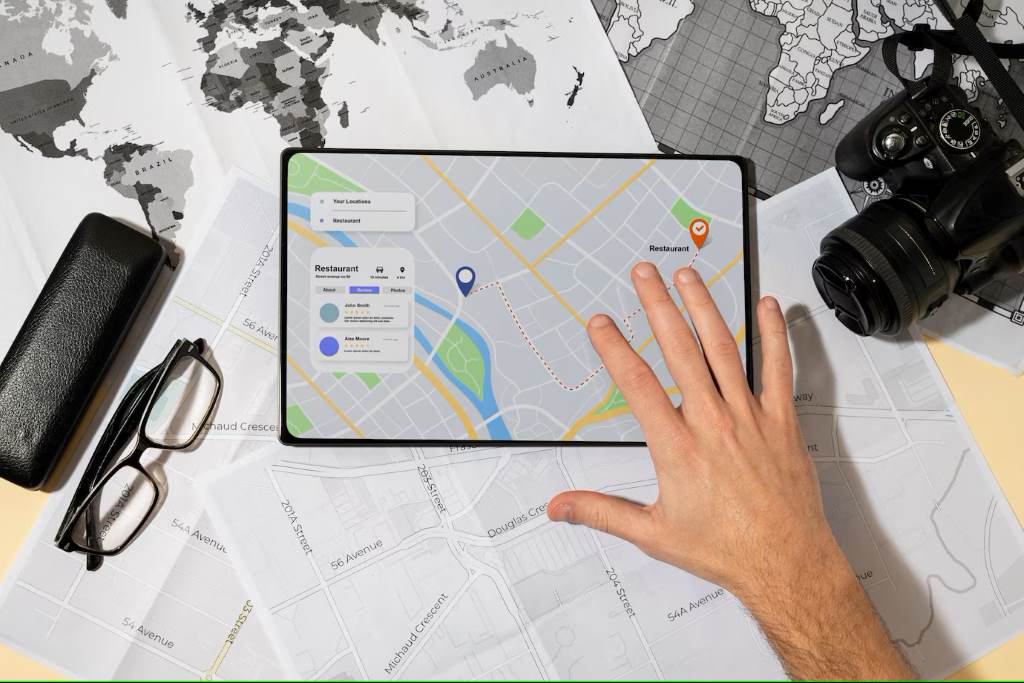
Several offline map apps stand out for their features and usability. Here are the best options based on user reviews and functionality.
MAPS.ME
MAPS.ME offers free, detailed offline maps with GPS navigation. You download maps by region, saving storage. It includes walking, driving, and cycling routes. A 2024 TechRadar review praised its lightweight design. I used MAPS.ME during a trek in Peru, navigating trails without internet. It’s ideal for hikers and budget travelers.
OsmAnd
OsmAnd provides open-source maps with customizable features. It supports offline navigation, topographic maps, and voice guidance. A 2023 CNET article noted its popularity among outdoor enthusiasts. Its detailed trail data helped me explore a forest in Oregon. However, its interface may feel complex for beginners.
HERE WeGo
HERE WeGo offers offline maps for over 100 countries. It includes public transit and traffic data. A 2024 Forbes review highlighted its accuracy. I relied on it in Tokyo, navigating subways offline. It’s perfect for urban travelers but requires more storage.
CityMaps2Go
CityMaps2Go focuses on city-specific maps with travel guides. It’s great for tourists needing POIs. Its offline search feature saved me in Paris when I needed a café. However, it’s less suited for rural areas.
How to Use Offline Map Apps Effectively
Using offline map apps is simple with the right approach. First, download maps before your trip. Choose specific regions to save storage—MAPS.ME lets you select cities or countries. Check storage needs; large maps like the U.S. can take 5GB. Next, update maps regularly for accuracy. OsmAnd, for example, releases monthly updates. Enable GPS for precise location tracking, but disable Wi-Fi to save battery. Plan routes in advance to avoid confusion. I learned this in Peru when I pre-saved trails on MAPS.ME. Use bookmarks to mark key locations like hotels or restaurants. If traveling abroad, download language packs for offline translations. According to a 2024 Travel + Leisure survey, 72% of travelers prefer pre-planning routes. Finally, test the app at home to ensure familiarity. These steps ensure seamless navigation without data.
Tips for Effective Use
- Download Early: Get maps before traveling.
- Save Storage: Select specific regions.
- Update Regularly: Keep maps current.
- Use Bookmarks: Mark important spots.
- Test First: Try the app at home.
Features to Look for in Offline Map Apps
Not all offline map apps are equal. Prioritize these features for the best experience. First, ensure detailed maps with zoomable layers—MAPS.ME excels here. Second, look for GPS navigation with voice guidance, like OsmAnd’s turn-by-turn directions. Third, check for POIs, such as restaurants or gas stations. HERE WeGo includes millions of POIs globally. Fourth, consider route options for driving, walking, or cycling. Fifth, offline search is crucial for finding addresses without internet.
A 2023 Wired article emphasized the importance of offline search for travelers. Finally, evaluate storage efficiency—CityMaps2Go uses less space for city maps. I once chose MAPS.ME for its cycling routes during a Netherlands trip, which made navigation effortless. Compare apps based on your needs, like hiking or urban exploration, to find the perfect fit.
Challenges and Solutions for Offline Navigation
Offline map apps aren’t flawless. One challenge is storage. Large maps consume space, especially on older devices. Solution: Download only necessary regions. Another issue is outdated maps, which can lead to errors. Regular updates, as OsmAnd offers, fix this. Battery drain from GPS is another concern.
A 2024 TechCrunch study found GPS apps reduce battery life by 20%. Solution: Lower screen brightness and use power-saving mode. Limited POIs in rural areas can also frustrate users. Cross-check with apps like CityMaps2Go for urban focus. I faced outdated map issues in a remote Greek island—updating MAPS.ME resolved it. Finally, complex interfaces may confuse new users. Start with user-friendly apps like HERE WeGo. These solutions ensure a smooth offline navigation experience.
Common Challenges
- Storage Limits: Download specific areas.
- Outdated Maps: Update before trips.
- Battery Drain: Use power-saving settings.
- Limited POIs: Use multiple apps.
Offline Maps for Specific Use Cases
Offline map apps cater to diverse needs. For hikers, OsmAnd’s topographic maps are ideal, offering trail details. Cyclists benefit from MAPS.ME’s cycling routes, which I used in Amsterdam. Urban travelers prefer HERE WeGo for transit data, perfect for cities like London. Road trippers can rely on CityMaps2Go for gas stations and rest stops.
A 2024 National Geographic survey found 65% of outdoor enthusiasts use offline maps for safety. In rural areas, MAPS.ME’s detailed maps shine, as I discovered in Peru. For international travel, download offline translations to bridge language gaps. Choose apps based on your activity—hiking, driving, or sightseeing—to maximize utility. Combining apps for specific needs, like urban and rural navigation, is also effective.
Comparing Offline vs. Online Map Apps
Offline map apps differ significantly from online ones like Google Maps. Offline apps store data locally, requiring no internet. This saves data and works in remote areas. Online apps, however, offer real-time traffic updates but fail without a signal. A 2023 TechRadar study found 58% of travelers prefer offline apps for cost savings. Offline apps like MAPS.ME provide POIs and routes but lack live data.
Online apps consume more battery due to constant data usage. I switched to offline maps in Italy after Google Maps drained my battery. Offline apps require upfront downloads, while online ones need minimal setup. For budget travelers or remote adventurers, offline apps are superior. However, urban commuters may prefer online apps for live updates. Choose based on your travel style.
Security and Privacy in Offline Map Apps
Privacy is a concern with navigation apps. Offline apps generally collect less data than online ones, as they don’t rely on cloud services. A 2024 Privacy International report found offline apps like OsmAnd have minimal data tracking. Still, enable GPS only when needed to avoid location sharing. Check app permissions—MAPS.ME requires storage and location access but not contacts. Avoid apps requesting unnecessary data. I was cautious in Peru, disabling Wi-Fi to prevent tracking. Use open-source apps like OsmAnd for transparency. Regularly clear app caches to remove stored data. These steps protect your privacy while navigating offline, ensuring a secure experience.
Future of Offline Map Apps
Offline map apps are evolving. Developers are integrating AI for smarter route planning. A 2024 TechCrunch article predicts offline apps will soon offer predictive POIs based on user habits. Improved compression will reduce storage needs, making apps like HERE WeGo more efficient. Augmented reality (AR) navigation, as tested in MAPS.ME’s beta, could enhance user experience. Additionally, 5G’s limited rural reach will keep offline apps relevant. I’m excited about AR features, which could have enriched my Tokyo subway navigation. As travel grows—Statista projects 1.9 billion international tourists by 2030—offline maps will remain essential for cost-conscious and remote travelers. Stay updated on app advancements for the best experience.
Conclusion: Navigate Smarter with Offline Maps
Offline map app without data usage are game-changers for travelers. They save costs, preserve battery, and ensure reliability in remote areas. Apps like MAPS.ME, OsmAnd, HERE WeGo, and CityMaps2Go offer diverse features for hikers, cyclists, and urban explorers. By downloading maps early, updating regularly, and choosing the right app, you’ll navigate seamlessly. My experiences in Italy and Peru highlight their value—offline maps turned stressful situations into adventures. Whether you’re road-tripping or hiking, these apps empower you to explore confidently. Try one today and share your experience in the comments below. Have a favorite offline map app? Check out our Technology Trends section. Let us know or share this guide with fellow travelers!
FAQs
What are the best offline map apps for hiking?
OsmAnd and MAPS.ME are top choices for hiking due to their topographic maps and trail details.
Do offline map apps use battery quickly?
GPS can drain battery, but power-saving modes and lower screen brightness help reduce consumption significantly.
Can offline map apps work without GPS?
Yes, but GPS enhances accuracy. You can still view maps and plan routes without it.
Are offline map apps free to use?
Most, like MAPS.ME and OsmAnd, are free, though some offer premium features for a fee.
How much storage do offline maps require?
Storage varies—city maps need 100MB, while country maps like the U.S. can require 5GB or more.